Open and read
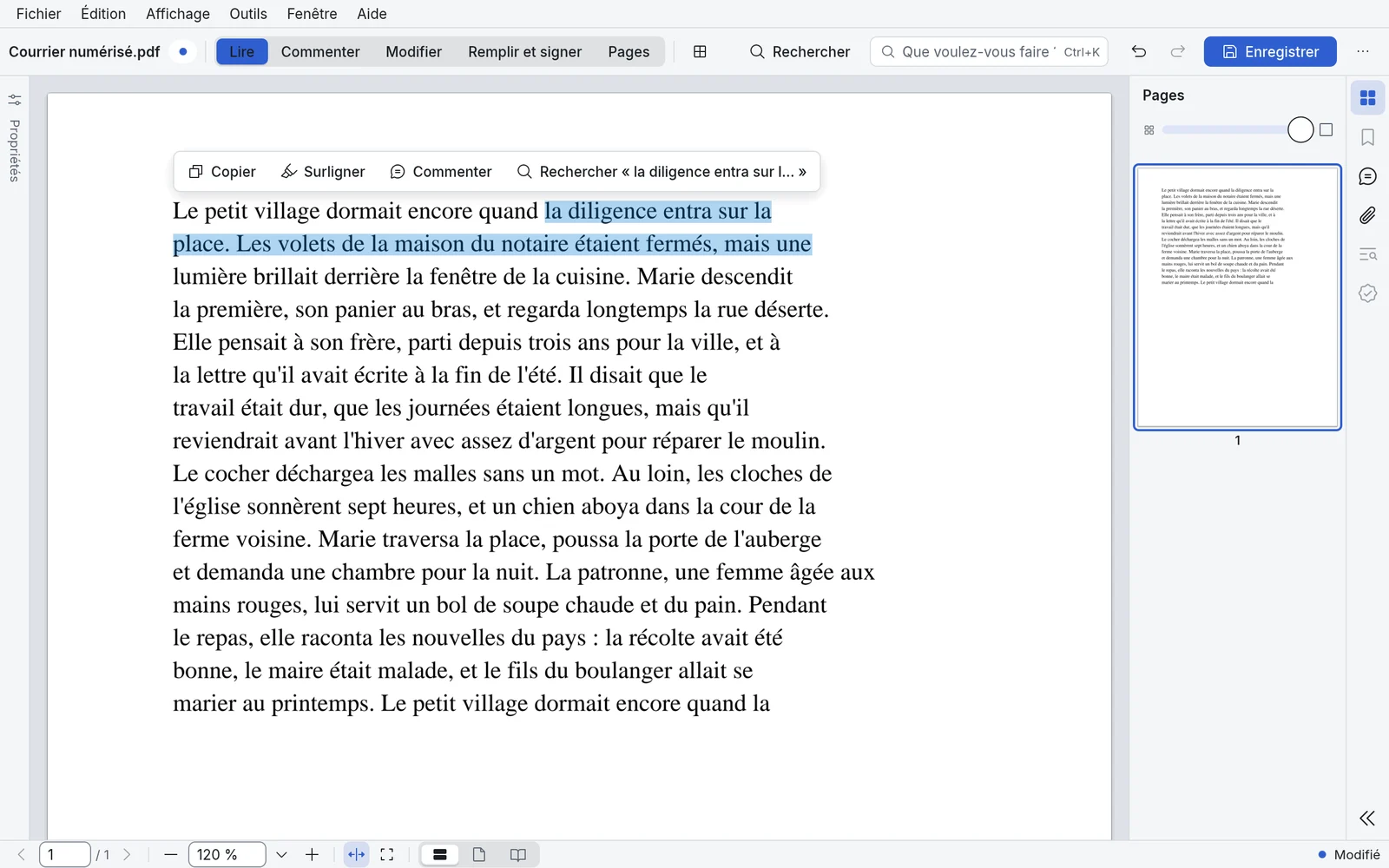
Open your documents, browse them and select text with ease.
Open your documents, browse them and select text with ease.
Annotate and comment on your documents.
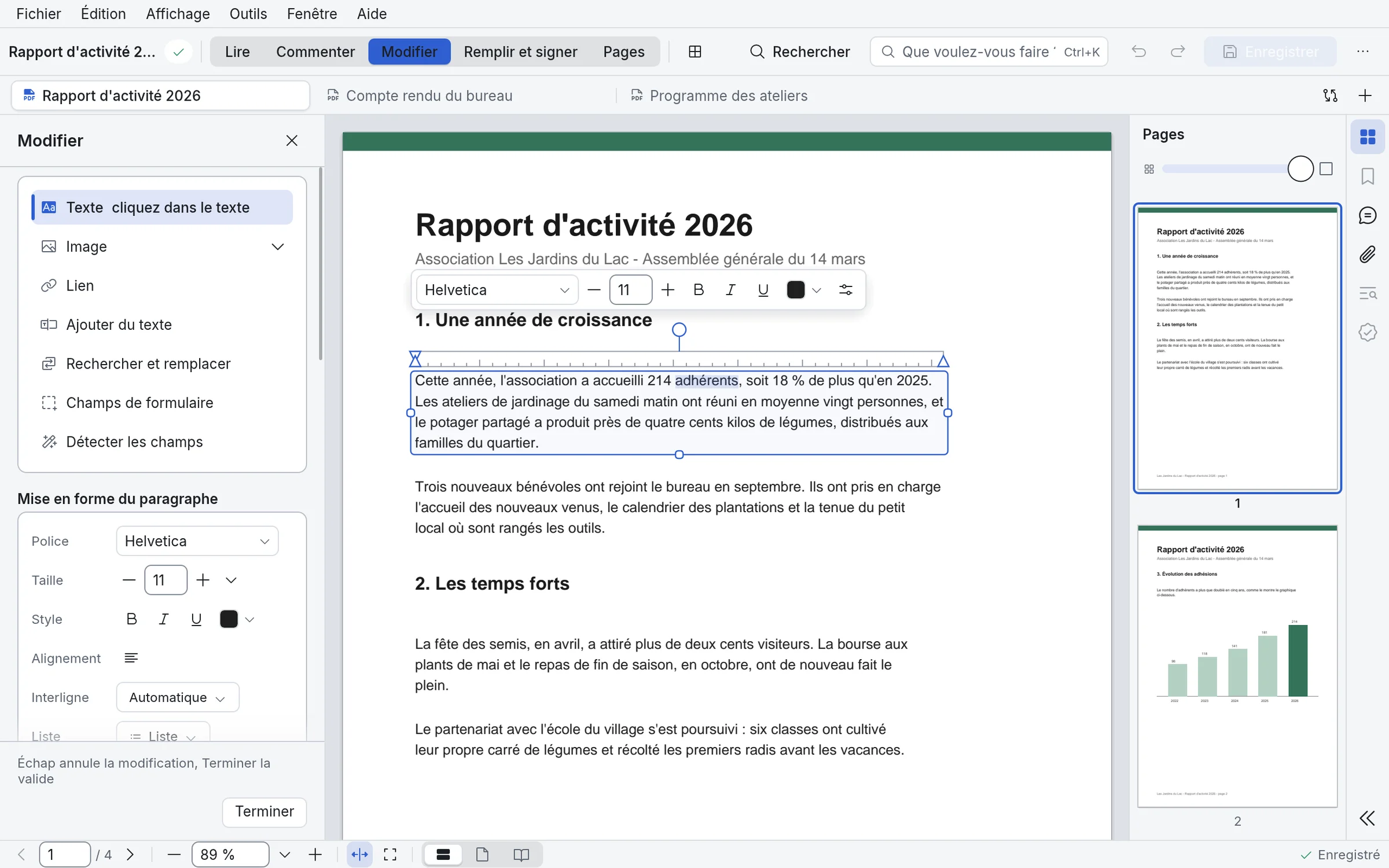
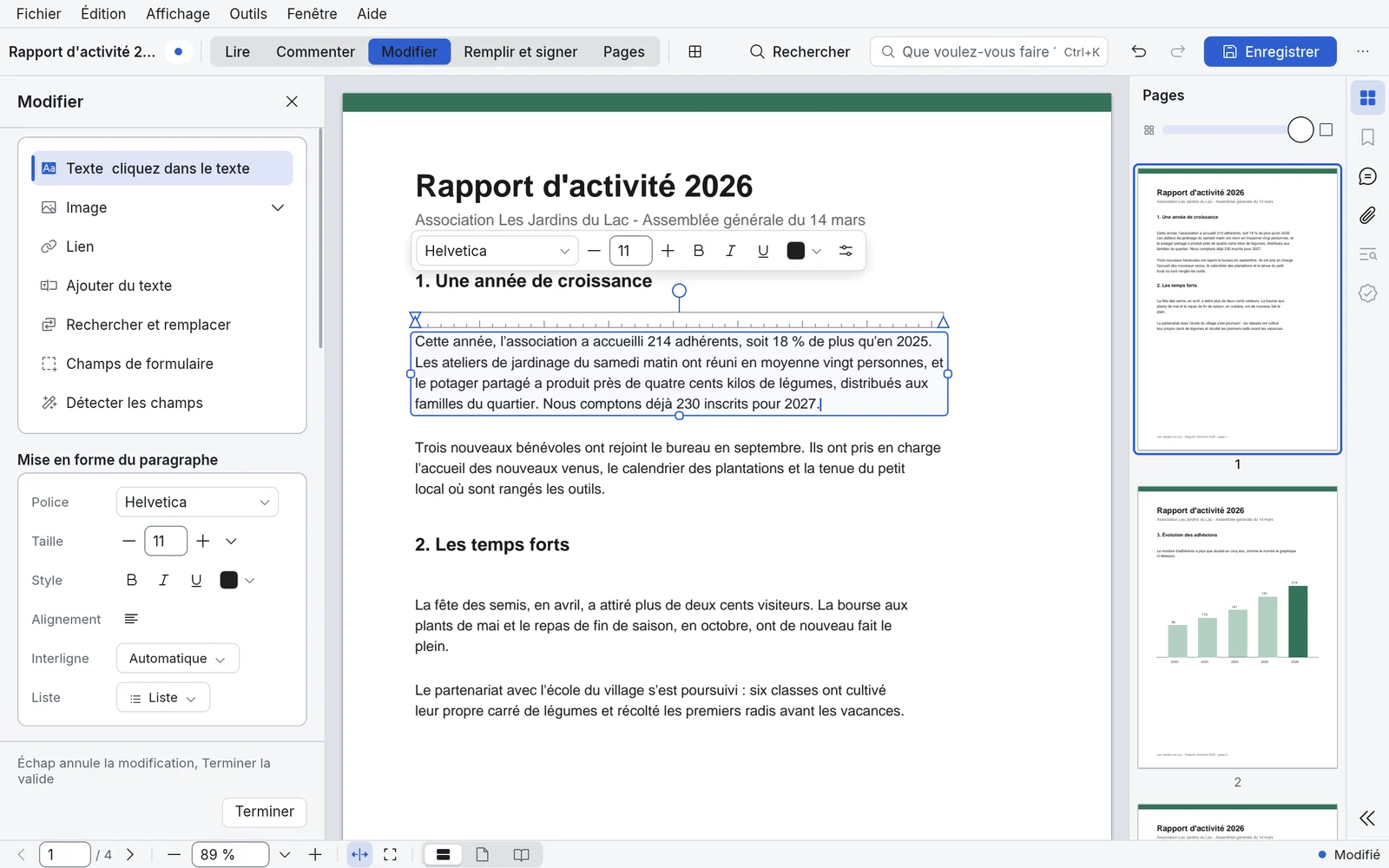
Edit text, images and layout directly in your PDFs.
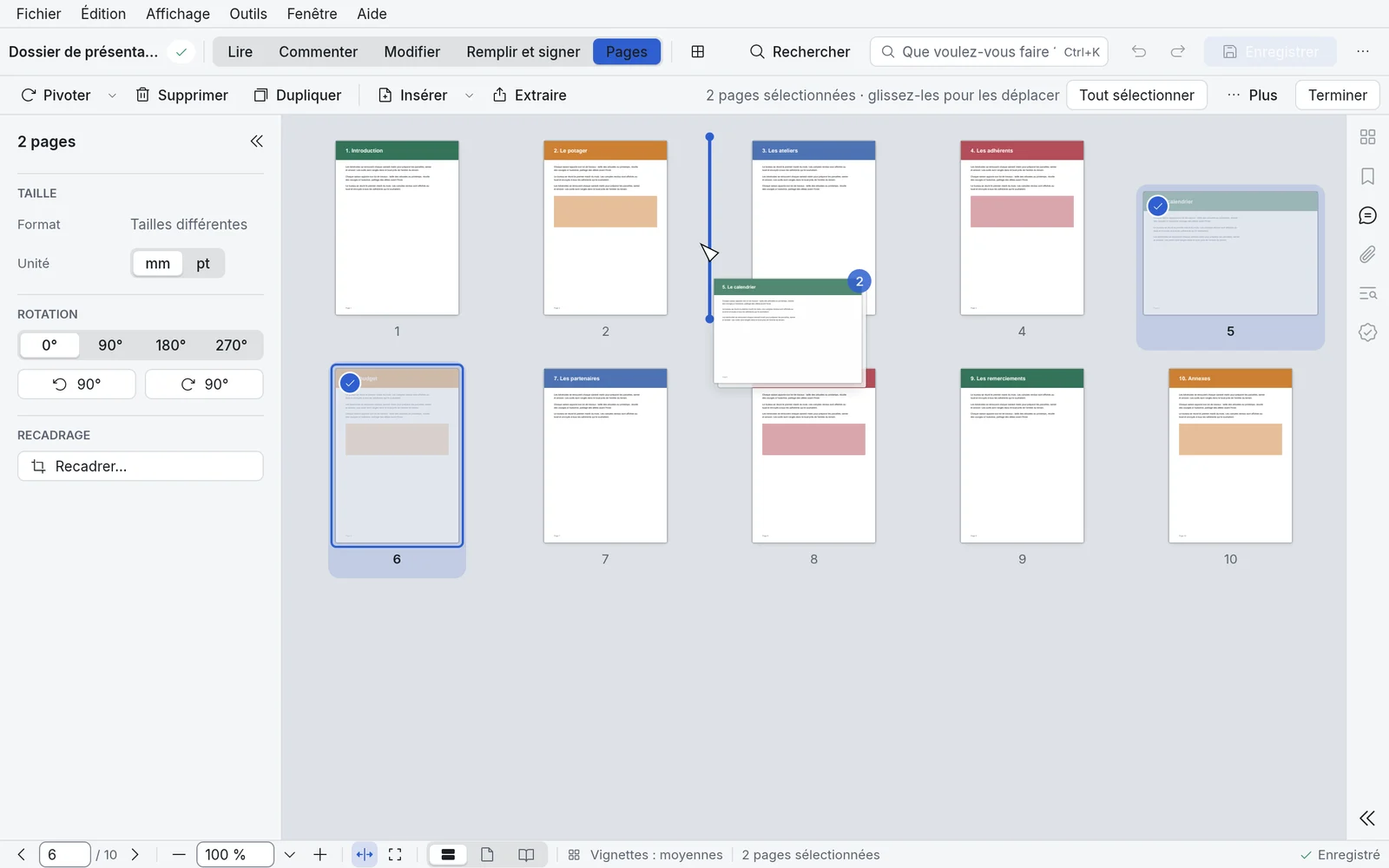
Insert, rearrange and manage the pages of your documents.
Fill in and prepare PDF forms.
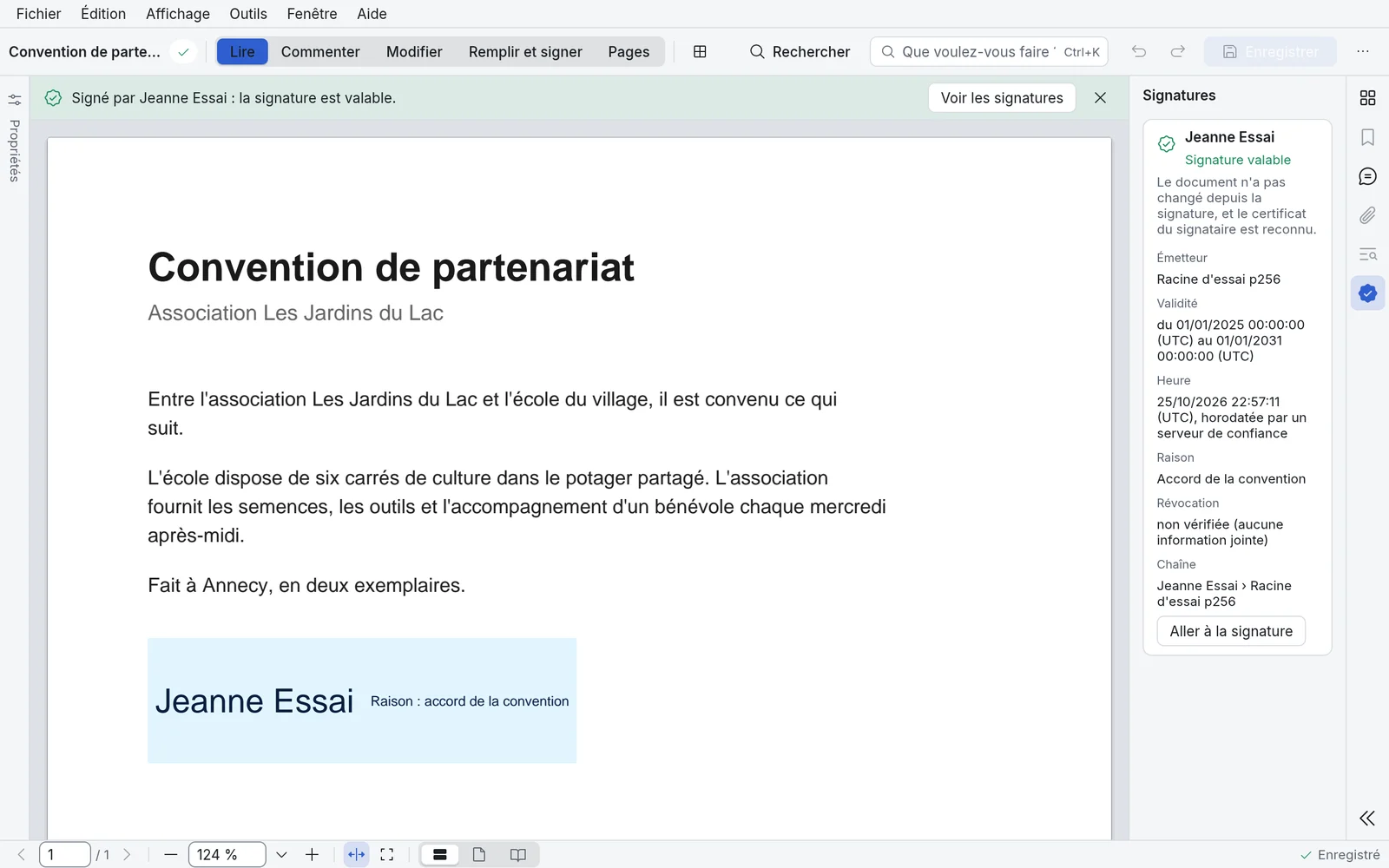
Add your signature, use an electronic certificate and check signatures.
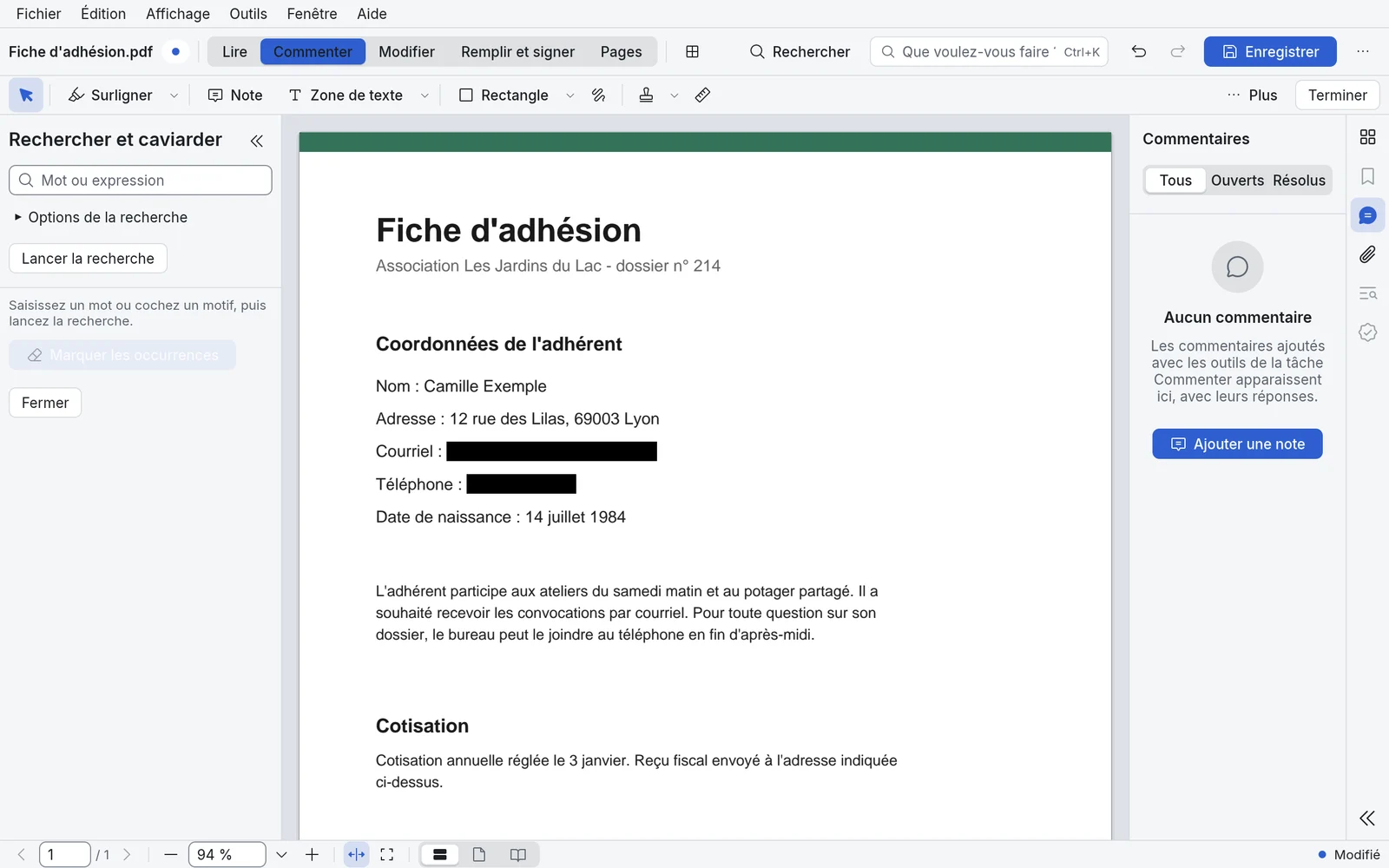
Permanently redact sensitive information, protect your documents and remove hidden data.
Convert your PDFs to Word, Excel, images and more. Scanned pages are read automatically, so their text can be searched and copied.
Work on making your documents accessible.
Simple or Advanced interface, tool search and context panels.
Installs without administrator rights and uninstalls from Windows settings.